Guide to Maintaining Anonymity Online: A Practical Privacy Playbook
If you spend time on the internet, you leave traces everywhere. This guide to maintaining anonymity online explains how to limit those traces, protect your personal data, and reduce tracking. You will learn simple digital privacy tips, tools for anonymous browsing, and data security best practices that even beginners can follow.
Why Online Anonymity Matters More Than You Expect
Every click, search, and like adds to your digital footprint. Companies, advertisers, and data brokers build profiles about you, often without clear consent. Attackers also look for weak spots to steal personal information and commit identity theft.
Real‑world risks of a large digital footprint
Online privacy protection is useful for everyone, not only activists or “tech people.” It helps prevent account takeovers, scams, stalking, and financial loss. Staying anonymous online where you can also reduces targeted ads and keeps your private life separate from your public identity.
Anonymity as a sliding scale, not an on/off switch
Think of anonymity as a sliding scale. You choose how visible you want to be in different areas: social media, browsing, messaging, and payments. This guide helps you make those choices with clear steps so you can match your privacy level to real needs.
Audit Your Digital Footprint Before You Change Habits
Before you adjust settings or install tools, you need to understand your current exposure. Your digital footprint includes social media posts, old accounts, public records, and data leaks from past breaches. Many people are surprised by how much appears in a quick search of their name.
Checking what the internet already knows about you
Search your name, email addresses, usernames, and phone number. Note what appears: profiles, posts, tagged photos, and mentions. Check if any personal details are public, such as home address, workplace, or family information. This gives you a clear baseline for your privacy efforts.
Cleaning up exposed data and accounts
Once you see your footprint, start cleaning it up. Delete or lock down old accounts, remove public posts that share private data, and ask friends to untag you from public photos if needed. The less information that is public, the harder it is to link your online actions to your real identity.
Core Data Security Best Practices for Everyday Users
Strong data security is the base of digital anonymity. If attackers break into your accounts or devices, other privacy steps matter less. Focus on a few habits that protect personal information online without making life too hard.
Essential security habits to adopt now
- Use strong, unique passwords for every account. A strong password is long and random, not based on words or birthdays. Use a password manager to create and store passwords instead of reusing the same one.
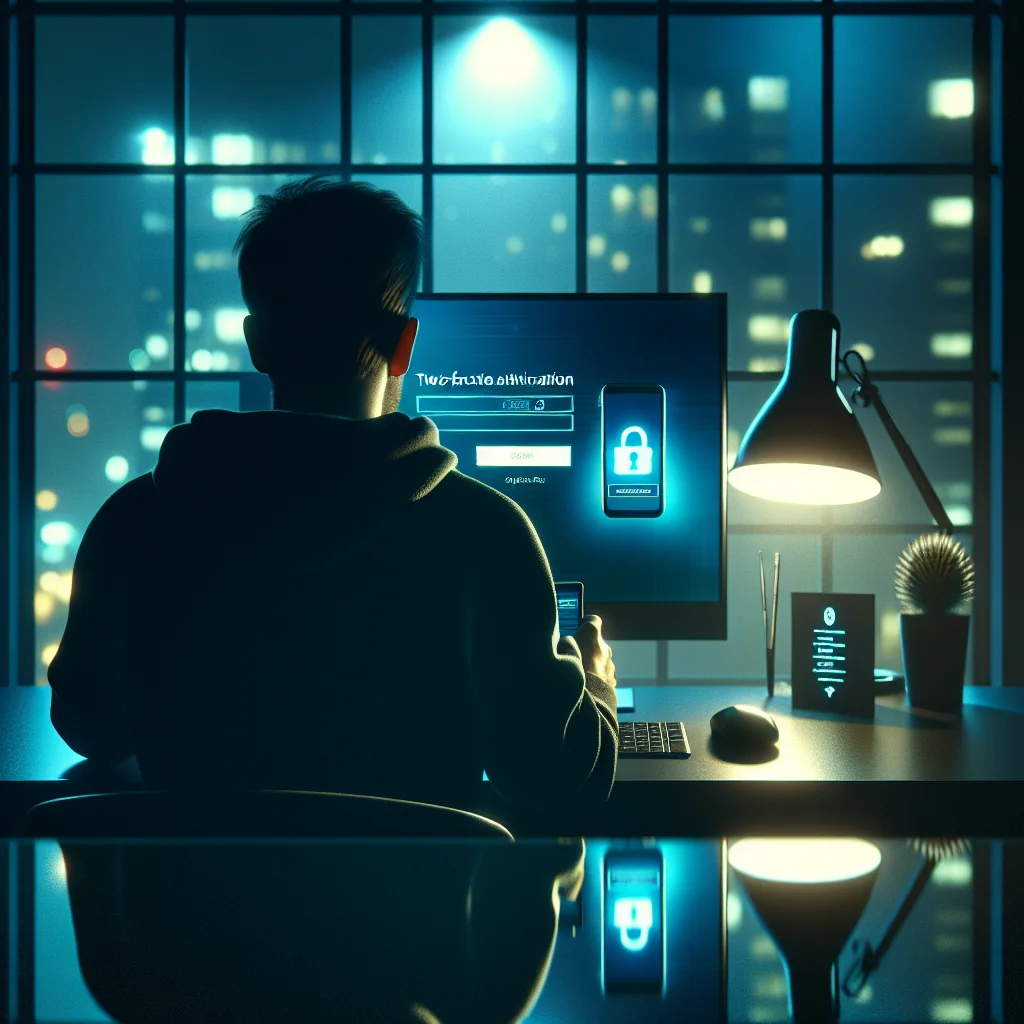
- Turn on two-factor authentication (2FA) everywhere. Enable 2FA in account settings, choose an authenticator app or hardware key, and avoid SMS codes when possible. 2FA adds a second step so stolen passwords alone are not enough.
- Keep your devices and apps updated. Updates patch security holes that attackers exploit. Turn on automatic updates for your operating system, browser, and key apps to support data breach prevention.
- Lock your devices. Use a PIN, password, or biometric lock on phones, tablets, and laptops. Encrypt your device storage if the option exists in settings. This keeps data safe if a device is lost or stolen.
- Back up important data securely. Use encrypted backups, either to an external drive you control or a trusted cloud service with strong security settings. Backups reduce damage if ransomware or a breach hits.
These steps may feel basic, but they block many common attacks. Privacy tools work best when your accounts and devices are already protected, so treat these habits as your foundation.
Anonymous Browsing and Online Tracking Protection
Most tracking happens in your browser. Websites, ad networks, and social platforms collect data using cookies, scripts, and device fingerprints. Anonymous browsing aims to reduce how much of this activity is tied to your real identity.
Hardening your browser against trackers
First, adjust your browser privacy settings. Block third-party cookies, limit cross-site tracking, and clear browsing data regularly. Consider using a separate browser or profile for sensitive activities, such as research, activism, or health questions, to keep them apart from daily browsing.
Using privacy tools without breaking every site
Second, use privacy-focused browsers or extensions that block trackers by default. These tools help with online tracking protection by stopping many ads and scripts from loading. Blocking trackers can sometimes break websites, so learn how to pause protections when needed or create exceptions for trusted sites.
Comparing Key Tools for Maintaining Anonymity Online
Different privacy tools solve different problems. Understanding what each one does helps you build a setup that fits your needs without adding extra hassle.
Tool comparison: what each option actually protects
The table below compares common privacy tools and the type of protection they offer.
| Tool | Main Benefit | What It Hides | What It Does Not Hide |
|---|---|---|---|
| VPN | Encrypts traffic between you and the VPN server | IP address from websites and local network watchers | Logged-in account activity, cookies, browser fingerprint |
| Privacy browser / extensions | Blocks many trackers and ads | Third-party cookies, some scripts and cross-site tracking | Activity tied to accounts you log into |
| Tor Browser | Routes traffic through multiple relays | IP address and location from sites and networks | Identity you reveal by logging in or sharing details |
| Password manager | Creates and stores strong, unique passwords | Password reuse and weak password risks | Data you share directly in posts or messages |
| Secure messaging app | Encrypts messages end-to-end | Message content from providers and network watchers | Who you talk to, how often, and device details |
No single tool makes you anonymous. Combine several tools and healthy habits so that if one layer fails, others still protect your identity and data.
Using a VPN for Privacy and a More Private Connection
A Virtual Private Network (VPN) encrypts your internet traffic and sends it through a remote server. This hides your IP address from websites and anyone watching your connection, such as your internet provider or a public Wi‑Fi owner. A VPN for privacy is especially useful on unsecured networks like cafes, airports, and hotels.
How to choose and use a VPN wisely
When you use a VPN, your connection is more private, but you are shifting trust to the VPN provider. The provider can technically see your traffic, so choose one with a clear privacy policy and a solid reputation. Avoid free VPNs that may log and sell your data to stay profitable.
What a VPN can and cannot do for anonymity
Remember that a VPN does not make you invisible. Websites can still track you using cookies, logins, or browser fingerprints. Combine a VPN with strong browser privacy settings, private accounts, and good password habits for better protection.
Managing Social Media Privacy Settings and Public Profiles
Social media is a major source of personal data. Profiles often reveal your name, face, location, work, interests, and social circle. To maintain anonymity, decide where you want a real-name presence and where you prefer pseudonyms or no presence at all.
Locking down existing profiles
Review social media privacy settings on each platform. Limit who can see your posts, friends list, and profile details. Turn off location tagging and face recognition features if available. Check who can look you up by email or phone number and reduce that visibility.
Posting with privacy in mind
Be careful with what you post, even in “private” spaces. Screenshots and leaks can expose private content later. Avoid sharing documents, IDs, tickets, or anything with barcodes or addresses. Think of every post as potentially public and permanent.
Reducing the Risk of Identity Theft Online
Identity theft often starts with small pieces of data: full name, date of birth, address, or national ID numbers. Attackers combine these with leaked passwords to open accounts or take over existing ones. Reducing identity theft risk means limiting how widely you share this data.
Controlling how much personal data you share
Do not share sensitive details in public posts or forums. Be cautious with online forms that ask for more data than seems necessary. If a service asks for a date of birth or phone number, check whether it is truly required or just optional.
Responding quickly to warning signs
Monitor your accounts and email for signs of data breach. If a service reports a breach, change your password there and anywhere you reused it. Consider using separate email addresses for banking, shopping, and casual sign-ups to reduce the impact of leaks.
Compartmentalizing Your Online Identity
One of the strongest strategies for online privacy protection is compartmentalization. This means using different identities, accounts, and tools for different parts of your life. If one area is exposed, the others remain safer.
Practical ways to separate identities
For example, use one email for financial services, another for social media, and a third for newsletters or one-time registrations. Use different usernames for forums and communities, especially if you discuss sensitive topics. Avoid linking anonymous accounts to your real-name profiles.
Keeping track without losing your mind
Compartmentalization takes some planning, but it greatly improves personal data protection. A password manager helps you keep track of multiple accounts without reusing credentials. Over time, using separate identities for different roles starts to feel natural.
Secure Communication: Messaging, Email, and Calls
Anonymous browsing is only part of the picture. Your messages and calls can also reveal identity and content. For private conversations, use messaging apps that support end-to-end encryption by default. This means only you and the recipient can read the messages.
Safer messaging habits
Be careful with backups in messaging apps. Some backup methods store messages in plain text in the cloud, which weakens privacy. Check settings to see how backups work and choose encrypted options when available. Also think before you send media or voice notes that reveal your face, voice, or surroundings.
Using email with a privacy mindset
For email, consider using providers that offer stronger privacy settings. Use separate email addresses for different roles, and avoid mixing work, personal, and anonymous activities in the same inbox. Do not send sensitive documents without encryption if you can avoid it.
Practical Browser Privacy Settings for Everyday Use
Browser settings are one of the easiest places to improve privacy. Most modern browsers include options for tracking protection and secure connections. Spend a few minutes in the settings menu and adjust key options.
Key settings to review in your browser
Turn on “Do Not Track” and stricter cookie controls, though some sites ignore these signals. Enable HTTPS-only mode if your browser supports it, so connections default to encryption. Consider disabling autofill for sensitive data such as addresses and payment methods.
Using private modes the right way
Use private or incognito windows for short sessions that you do not want saved locally. Private mode does not hide activity from your internet provider or employer, but it does reduce local traces on your device. Combine private mode with separate profiles or browsers for even better separation.
Everyday Checklist: Habits for Maintaining Anonymity Online
To make these ideas easier to apply, turn them into simple daily or weekly habits. You do not need perfection; steady, small actions build strong protection over time.
Quick privacy checklist you can follow
- Use a password manager and avoid reusing passwords across sites.
- Keep 2FA enabled on email, banking, and major social accounts.
- Browse with tracker blocking turned on and clear cookies regularly.
- Connect through a trusted VPN on public or shared Wi‑Fi.
- Separate identities with different emails and usernames for each role.
- Review social media privacy settings every few months.
- Think before posting any detail that links to your real identity.
- Update devices and apps as soon as reasonable.
- Use encrypted messaging for sensitive conversations.
- Check for data breach alerts and act quickly if you see one.
You do not need to follow every step perfectly. Pick the items that fit your life today, build habits, then add more as you get comfortable.
Balancing Convenience and Privacy in Daily Life
Total anonymity online is hard and often unrealistic. The goal is not perfection but control: you choose what to share, with whom, and under what conditions. Each privacy step has a cost in time or convenience, so pick changes that fit your life.
Building a privacy plan that actually sticks
Start with the basics: strong passwords, 2FA, updates, and social media privacy settings. Then add layers like a VPN, tracker blocking, and identity compartmentalization. Over time, these habits become routine and your digital footprint shrinks.
Owning your online identity, on your terms
By following this guide to maintaining anonymity online, you build a safer, quieter presence on the internet. You still use the services you need, but on your terms, with stronger protection for your personal information today and in the future.